You can invest in Google Ads, improve your Google Business Profile, and post regularly on social media. But when those efforts send someone to your website, what happens next?
Does the visitor quickly understand what you do? Can they find out whether you serve their neighborhood? Is it easy to call? And if they have a question before contacting you, can they get an answer?
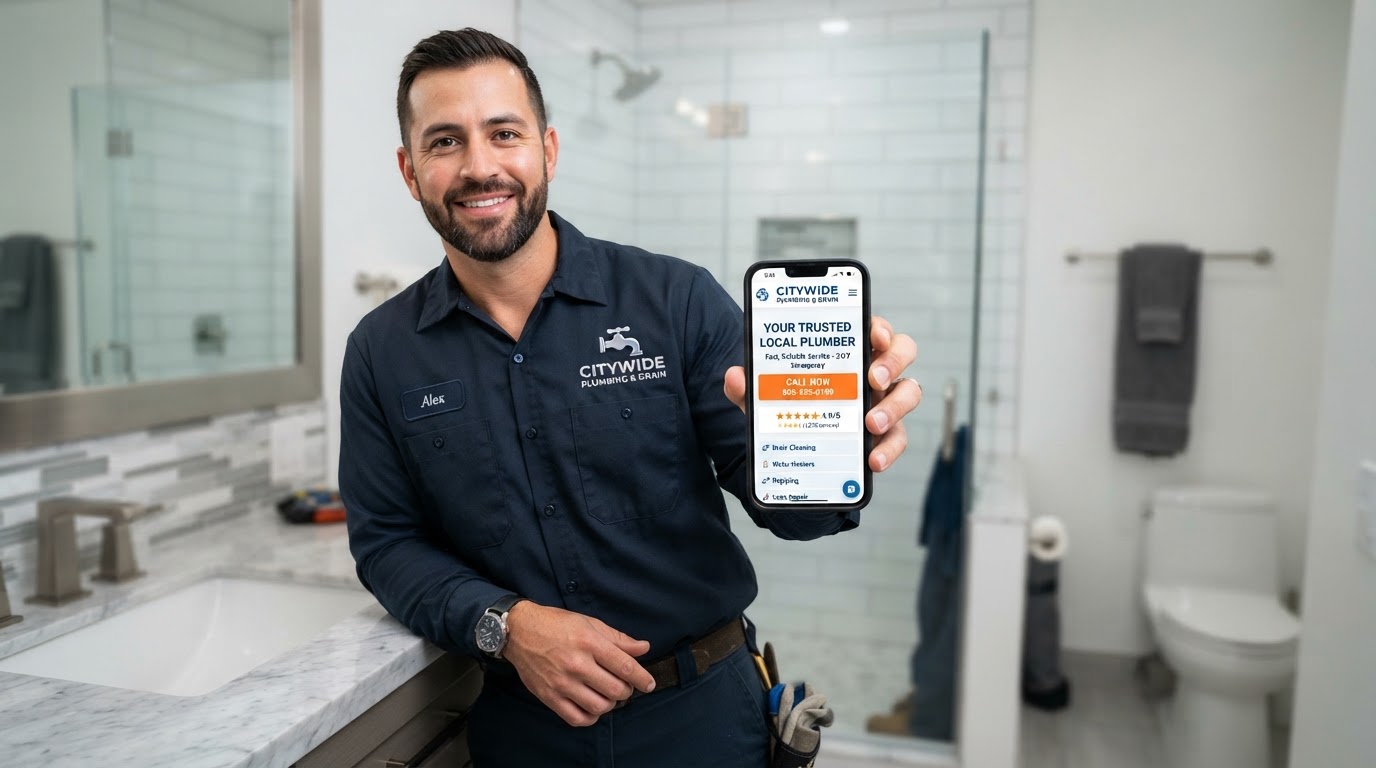
For a local service business, those moments matter. A homeowner with a leaking water heater may be comparing several plumbers. Your website needs to help that person decide whether your company is the right one to contact.
That starts with clear information and easy next steps. An on-site AI voice assistant can add another way for visitors to get help while they're interested.
Here's how to put those pieces together.
1Make the First Screen Answer Three Questions
When someone lands on your website, they should quickly understand:
A headline such as “Welcome to Our Website” uses valuable space without answering any of those questions.
For a plumbing company, try something more specific:
“Plumbing Repairs and Water Heater Service in Nassau County”
Follow it with a short explanation:
“Get help with leaks, clogged drains, and water heater problems. Call our team to discuss your plumbing needs and available appointments.”
Then provide a clear “Call Now” button.
Choose wording that reflects your actual services. Only advertise same-day appointments, emergency response, or round-the-clock service when you can deliver them.
- What do you do?
- Where do you work?
- What should they do next?
Your first task: open your homepage and check whether a new customer can identify your service, coverage, and next step without scrolling.
2Make Calling Easy on a Phone
A visitor shouldn't have to copy your number, search the footer, or navigate to a contact page just to call.
Display your phone number prominently and make it tap-to-call on mobile devices. Put a call button near the top of your important service pages and again after the information someone needs to decide.
For a longer mobile page, a persistent call button can be useful if it doesn't cover the content or other controls.
Use labels that explain the action:
Match the button to what actually happens. “Book Now” should lead to a booking process; “Request a Callback” should lead to a callback request.
- Call About Your Plumbing Problem
- Call to Check Appointment Availability
- Request a Callback
Your first task: visit the site on your own phone and try calling from the homepage and a service page.
3Build Pages Around the Job the Customer Needs
Someone searching for water heater replacement should find a page about water heater replacement.
A useful service page answers questions such as:
For example:
“Not getting consistent hot water? We assess residential water heater problems and explain repair or replacement options. Call to discuss your system and arrange an assessment.”
Add actual job photos, relevant customer feedback, and a clear way to contact you.
If you're running ads for a specific service, send visitors to a page that continues that same conversation.
- What problems do you handle?
- What equipment or property types do you work with?
- Where is the service available?
- What happens when someone contacts you?
- What needs to be assessed before you can provide a price?
Your first task: improve the page for one service you most want customers to ask about.
4Put Proof Near the Decision
Statements such as “great service” and “quality workmanship” are easy to write. Give visitors something concrete to evaluate.
Use genuine customer reviews, real team photos, examples of completed work, and accurate credentials. If you say your business is licensed or insured, make sure the statement applies to your current operation.
Place relevant proof near the service description or contact button. A water heater page, for instance, can show a recent installation and a customer's feedback about that job.
Use reviews accurately and obtain appropriate permission for customer photos or testimonials.
Your first task: add one credible example of your work near a key contact button.
5Answer the Questions That Hold People Back
Some visitors are ready to call immediately. Others have one unresolved question:
List the questions your office hears most often. Answer them clearly on the relevant pages.
Be honest where an answer depends on an assessment. For example:
“The cost depends on the equipment, installation requirements, and condition of the existing connections. Contact us to discuss your situation and the next step toward an estimate.”
Useful answers can make the next step feel clearer. You don't have to publish a fixed price for work you haven't evaluated.
- Do you serve my town?
- Do you repair this type of water heater?
- Can I request an appointment for tomorrow?
- What information do you need to give me an estimate?
Your first task: add answers to five common customer questions.
6Let Visitors Talk to an AI Voice Assistant on Your Website
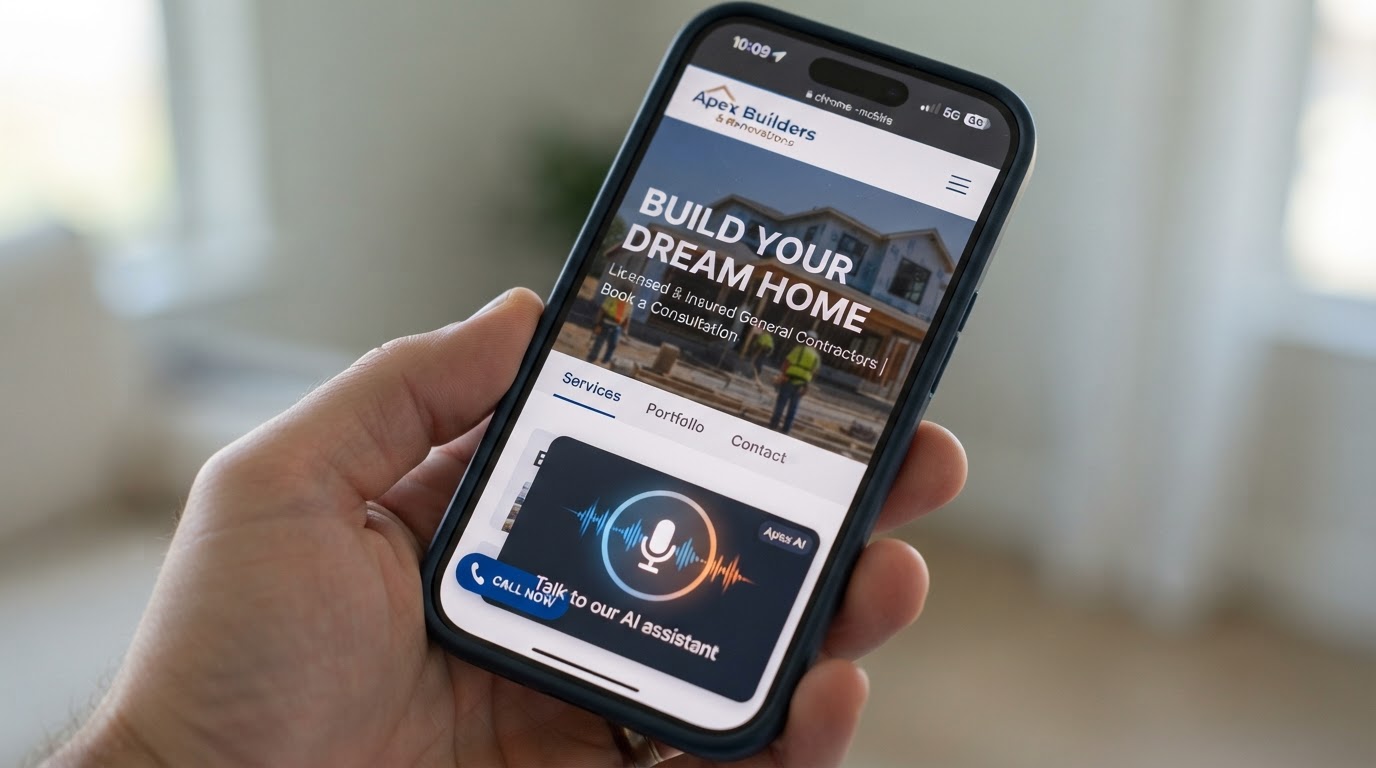
An on-site AI voice assistant gives visitors another way to ask questions. They can start a voice conversation in their browser instead of calling your office first.
With a supported setup, the visitor chooses to begin and grants microphone access. Label the experience clearly—for example:
“Have a question? Talk to our AI assistant.”
A visitor could ask whether you serve their area, which services you offer, or how to request an appointment. The assistant's answers should come from the business information you have configured.
Depending on the setup, it can also collect contact details and help move the inquiry into a follow-up workflow.
Keep the regular phone button and a short form available. Someone browsing in a quiet office, using an unsupported device, or simply preferring a person should still have an easy way to contact you.
Your first task: identify the questions an assistant should answer and the situations it should refer to your team.
7Give Your Assistant a Clear Role
A useful assistant needs accurate information and a defined next step.
Prepare a reference sheet covering:
Decide what happens when the assistant cannot answer confidently. A helpful response might be:
“Our team will need to confirm that for you. Would you like to request a callback?”
Don't let it invent prices, diagnose a repair with certainty, or promise arrival times. If you connect appointment booking, make sure it uses the actual availability and rules you have configured.
An assistant may be available outside office hours, but that doesn't mean a technician is available. Keep that distinction clear.
- Your services and service area
- Business hours and after-hours procedures
- Your estimate process
- Appointment-request instructions
- Approved pricing information, if any
- Situations that require a team member
Your first task: write down what the assistant can confirm and what your staff must confirm.
8Connect the Conversation to a Real Next Step
An interaction is only useful to the business if the customer can move forward.
Choose the outcome you want:
Ask for only the information needed for that next step. A plumbing callback request might need a name, phone number, town, and brief description of the issue.
Confirm important details, especially a spoken phone number, before submitting them.
Then decide who receives the inquiry, how quickly your team should respond during business hours, and what the customer should expect.
If automated follow-up is part of your setup, use an appropriate communication channel and obtain the permission needed for those messages.
- A direct call to your business
- A callback request
- An appointment request
- A booking, where scheduling is connected and configured
Your first task: test a complete inquiry from the visitor's first question through the notification your team receives.
9Check the Mobile Experience and Loading Speed
Use your website as a customer would. Open it on a real phone, browse a service page, and try each contact option.
Look for text that is hard to read, slow-loading images, buttons that are difficult to tap, and overlapping pop-ups.
If you add a voice assistant, check that its controls don't cover the phone button. Test microphone permission, audio, and the experience when someone declines microphone access.
Keep the page usable even if an optional feature doesn't load.
Tools such as Google PageSpeed Insights can help identify performance issues, but your own walkthrough is useful too. The practical question is whether visitors can read, understand, and contact you without unnecessary effort.
Your first task: have someone unfamiliar with your site try to ask a question and request service from their phone.
10Measure Contacts and Booked Work
Website visits tell you how many people arrived. They don't tell you how many became customers.
Track the steps that matter:
A phone-button click is not proof of a connected call. An assistant interaction is not automatically a lead. Keep those stages separate.
If you use call tracking or a CRM, connect the information where practical so you can assess the journey from inquiry to booked work.
Compare results over a reasonable period, taking account of changes in traffic, advertising, and seasonality. Make improvements based on where people get stuck.
- Phone-button clicks
- Callback and appointment requests
- Assistant interactions, where reporting supports them
- Qualified inquiries
- Booked appointments
- Completed jobs
Your first task: record a starting point before changing the site.
What a Smart Website Can Look Like in Practice
Imagine a homeowner visiting your water heater page after dinner.
The page explains the service, shows a real installation, and displays an easy call button. The homeowner wants to know whether you cover their town before contacting you.
They choose “Talk to our AI assistant” and ask the question.
In an appropriately configured setup, the assistant answers using your service-area information. The homeowner then asks about getting an estimate.
The assistant explains your estimate process and offers to collect a callback request. It confirms the contact details and submits the inquiry through your configured workflow.
Your team receives the request and follows up during the hours you have communicated.
The visitor had several ways to contact you. The voice conversation helped resolve a question and made the next step easier.
Bring It Together With a Smart Website
Clear pages, relevant proof, easy call buttons, and useful answers all work toward the same goal: helping the right customer contact your business.
Adding an AI voice assistant gives your website another way to help someone while they're considering your services.
The value comes from the whole experience: accurate information, a convenient conversation, and a follow-up process your team can actually deliver.
Want a Website That Helps Start More Customer Conversations?
At GME Marketing, our Smart Website offer combines a website built around customer inquiries with an on-site AI voice assistant.
We help organize your services, make contact options easy to use, and set up an assistant around your business information and customer questions.
We can also configure lead capture and follow-up workflows to fit how your business handles new inquiries. Where suitable, appointment-request or booking options can be connected as part of the setup.
You focus on providing the service. We handle the website and assistant experience that helps visitors take the next step.
Contact NassauPros for a Smart Website demo. Ask the assistant a question, see how the experience works, and explore how it could help customers connect with your business.